
Protect Your Eyes, One Break at a Time
Long hours at the screen can take a toll on your eyes. Ease Eyes helps you maintain healthy eye habits through smart break reminders based on the proven 20-20-20 rule: every 20 minutes, look at something 20 feet away for 20 seconds.
Why Your Eyes Need This
The Problem
- Digital Eye Strain affects over 50% of computer users
- Extended screen time causes dry eyes, headaches, and blurred vision
- Most people forget to take breaks when focused on work
- Traditional timers disrupt workflow and are easy to ignore
The Solution
Ease Eyes runs quietly in your menu bar, intelligently reminding you to rest your eyes without disrupting your flow. It pauses during meetings, tracks your screen time, and helps you build sustainable eye care habits.
Features
20-20-20 Rule Made Easy
- Customizable break intervals (10-120 minutes)
- Quick presets: 20, 25, or 30-minute cycles
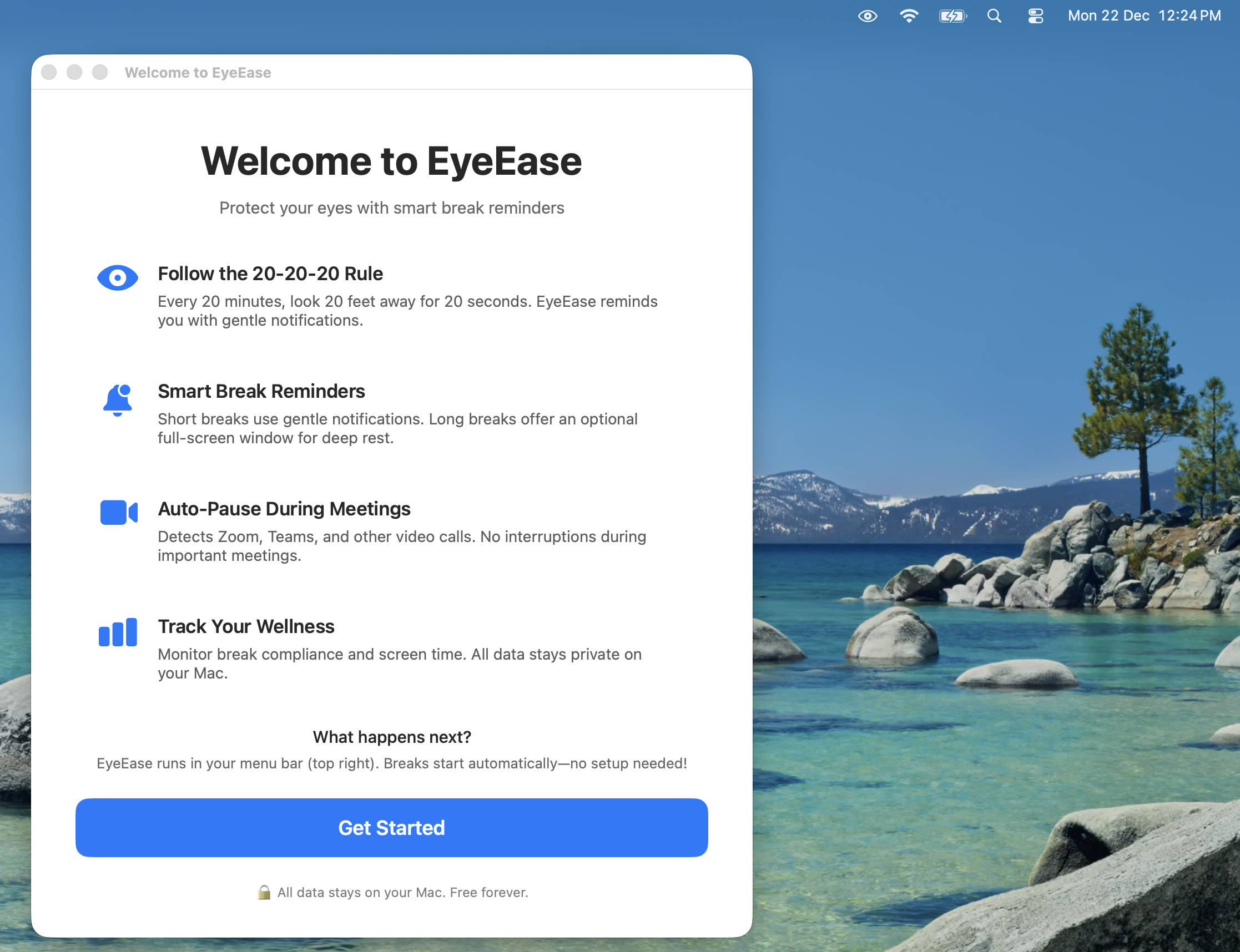
- Short breaks use gentle notifications
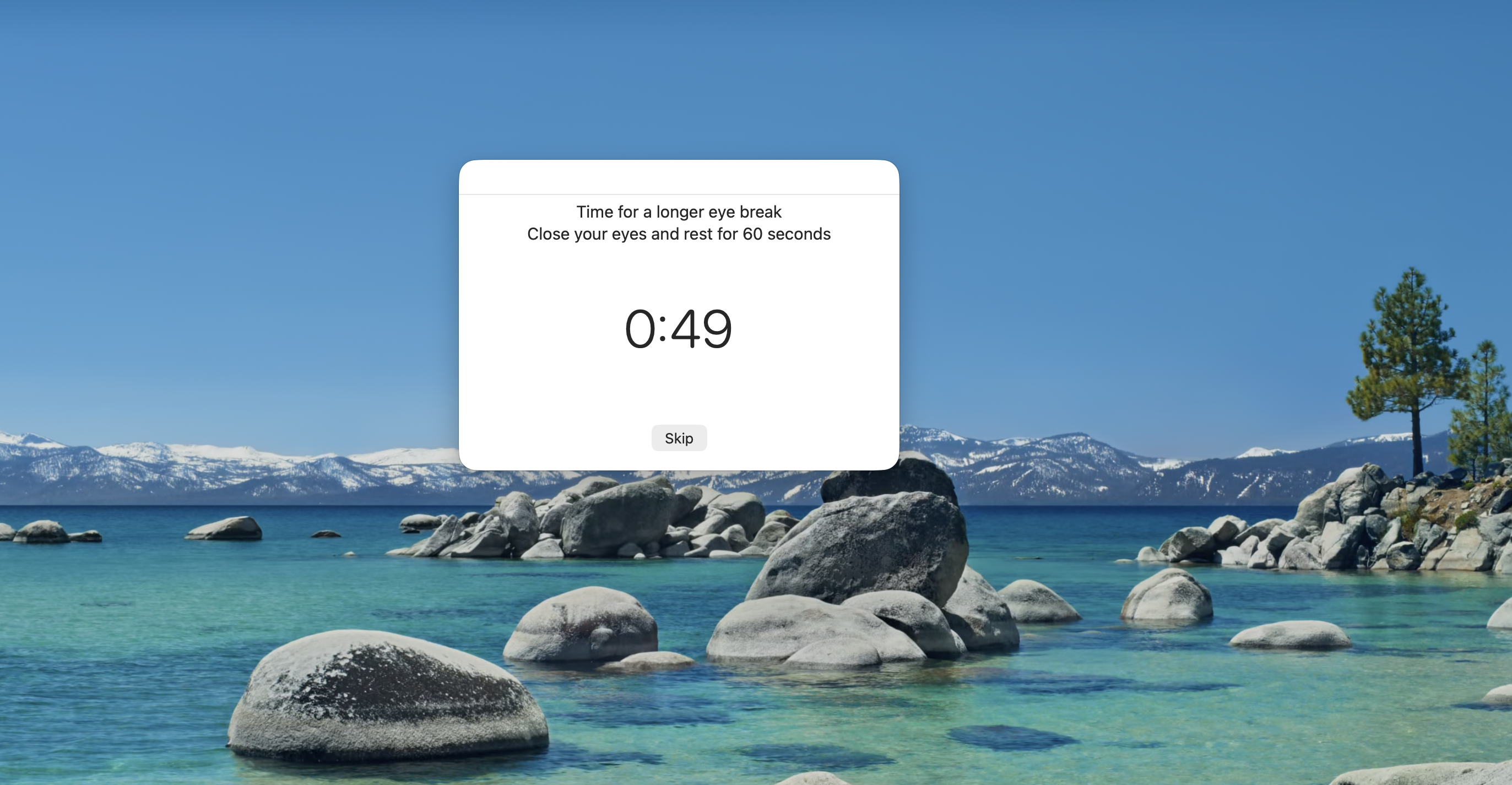
- Long breaks offer optional full-screen reminders
- Follow the scientifically-backed 20-20-20 rule
Smart Break Management
- Short Breaks: Gentle notifications every 20 minutes—minimal disruption
- Long Breaks: Choose notification or full-screen window every 60 minutes
- Configure long break frequency (every 2, 3, or 4 short breaks)
- Manual pause/resume for uninterrupted focus time
Intelligent Meeting Detection
- Automatically pauses during video conferences
- Built-in support for Zoom, Microsoft Teams, Google Meet, WebEx, Skype
- Add custom meeting apps using bundle ID
- Never get interrupted during important calls
Screen Time Awareness
- Track your daily active screen usage
- Real-time display in menu bar
- See correlations between screen time and break patterns
- Understand your usage habits to take better care of your eyes
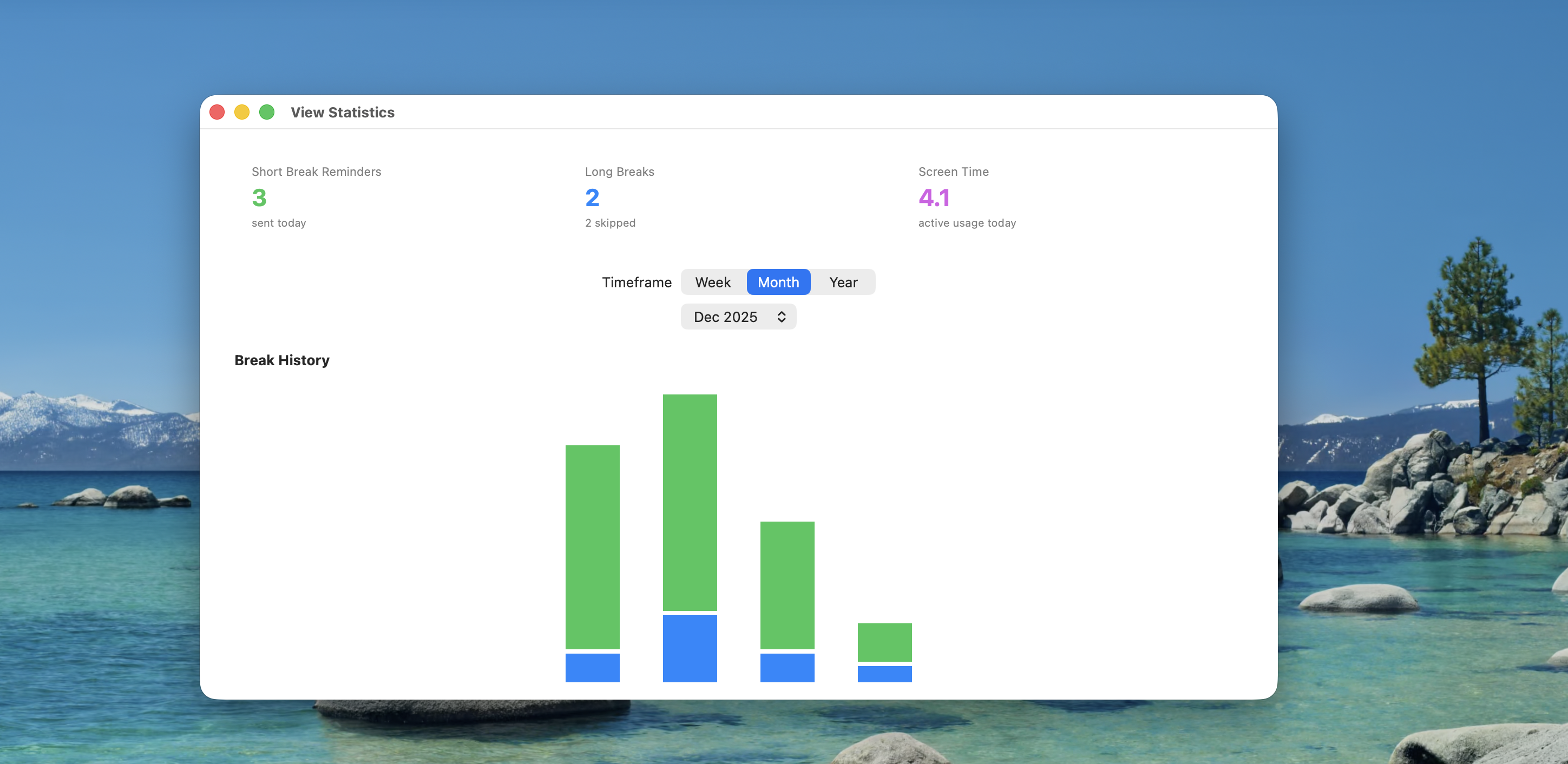
Interactive Analytics
- Beautiful charts showing your break history
- Week, month, and year views
- Tap any bar to see detailed daily breakdown
- Track compliance with honest skip metrics
- Celebrate streaks and build healthy habits
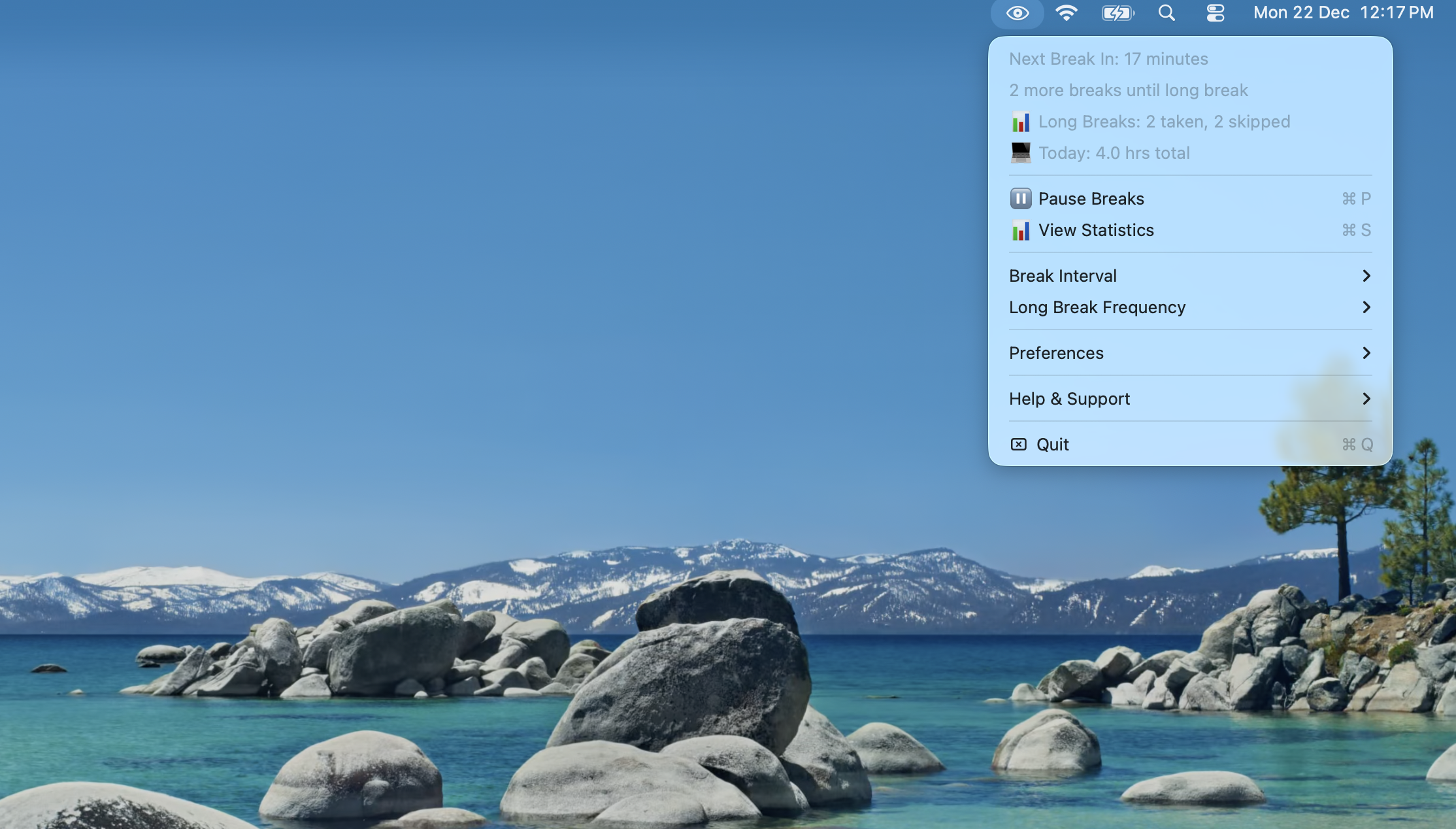
Lives in Your Menu Bar
- Quick access to all features
- See time until next break at a glance
- Today’s screen time always visible
- Minimal footprint—never clutters your workspace
Works the Way You Do
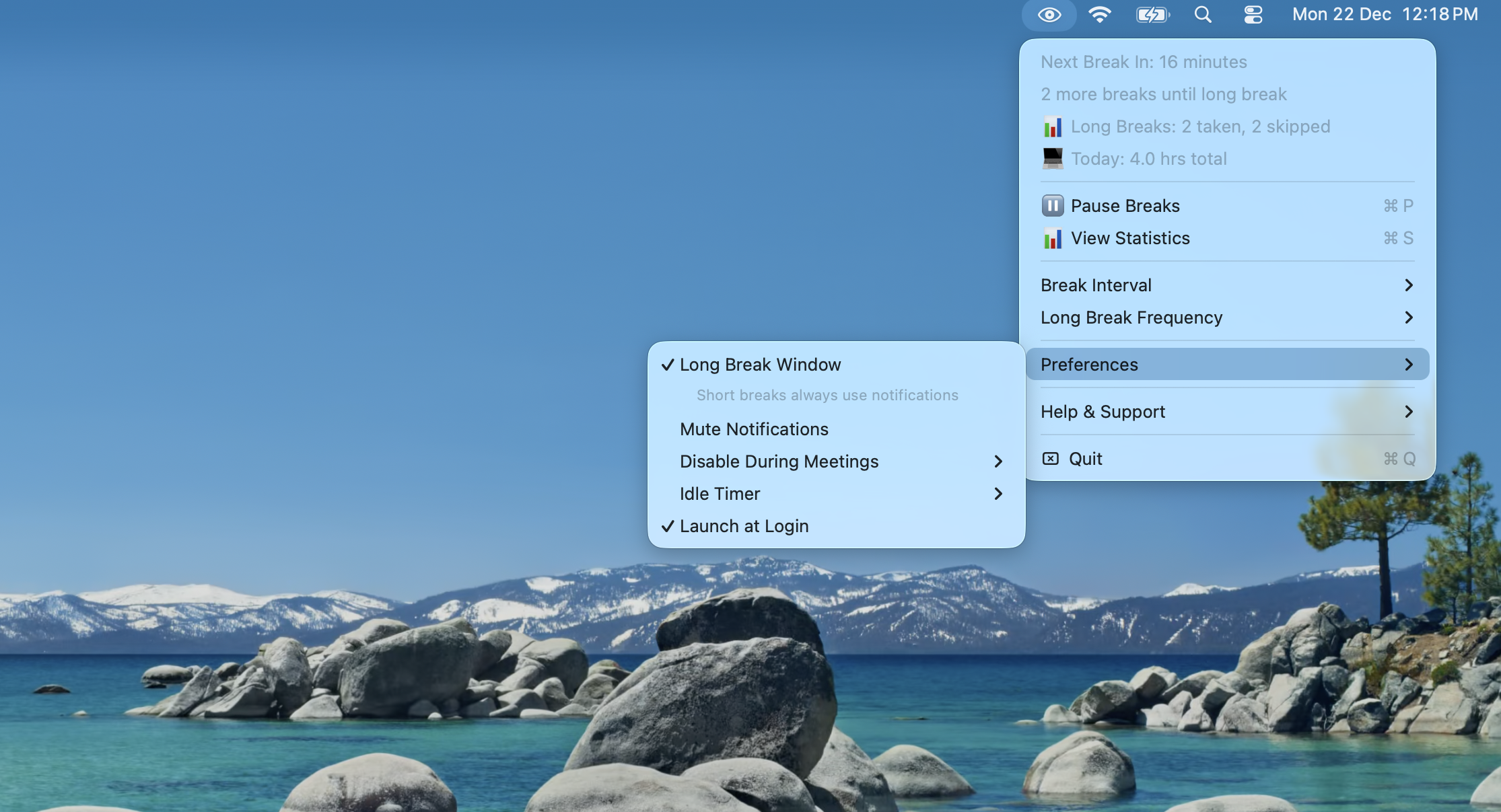
- Idle Detection: Automatically resets when you’re away from your Mac
- Auto-Launch: Starts with macOS login for consistent protection
- Customizable: Adjust intervals, notification styles, and preferences
- Privacy-First: All data stays on your device
App Experience
Menu Bar
Break Reminder

Long Break
Statistics
Settings
Onboarding
Perfect For
Developers & Programmers Hours of coding can strain your eyes. Ease Eyes helps you maintain focus while protecting your vision.
Designers & Creatives Detailed design work requires intense screen focus. Regular breaks keep your eyes fresh and your creativity flowing.
Writers & Content Creators Long writing sessions are easier when you give your eyes regular rest.
Remote Workers Back-to-back video calls and all-day screen time make eye care essential. Meeting detection ensures you’re never interrupted.
Anyone Who Works at a Computer If you spend more than a few hours daily at your Mac, your eyes will thank you.
The Science Behind It
The 20-20-20 rule is recommended by ophthalmologists worldwide:
Every 20 minutes, look at something 20 feet away for at least 20 seconds.
This simple practice helps:
- Reduce eye muscle fatigue
- Encourage natural blinking
- Prevent dry eyes
- Lower risk of digital eye strain
- Maintain long-term eye health
What Makes Ease Eyes Different
Honest Metrics
Unlike apps that guess at your behavior, Ease Eyes is transparent:
- Short Breaks: Shows “reminders sent”—we can’t track if you looked away
- Long Breaks: Shows “taken/skipped”—measurable via break window behavior
- No false precision or inflated statistics
Truly Non-Intrusive
- Short breaks are just notifications—no forced interruptions
- Long breaks are optional full-screen or notification-based
- Meeting detection prevents embarrassing mid-call pop-ups
- Idle detection knows when you’re already away
Privacy-Focused
- All data stays on your Mac
- No cloud sync required
- No personal information collected
- No tracking or ads
Technical Excellence
- Built with SwiftUI for a native macOS experience
- Optimized for macOS 13.0+ (Ventura and later)
- Core Data for reliable local storage
- IOKit for accurate idle and screen time detection
- Menu bar integration with minimal resource usage
- Regular updates based on user feedback
Download
Your eyes work hard for you every day. Give them the care they deserve.
Support
Have questions or feedback? I’d love to hear from you.
Let’s connect: ravi@rshankar.com
Legal
Take care of your eyes—they’re the only pair you have.