
Protect WhatsApp with Touch ID in iPhone
Now you can lock WhatsApp on your iPhone with Touch ID. If your phone is being accessed by family memebers then this would be quite helpful to prevent other users from accessing your WhatsApp message.
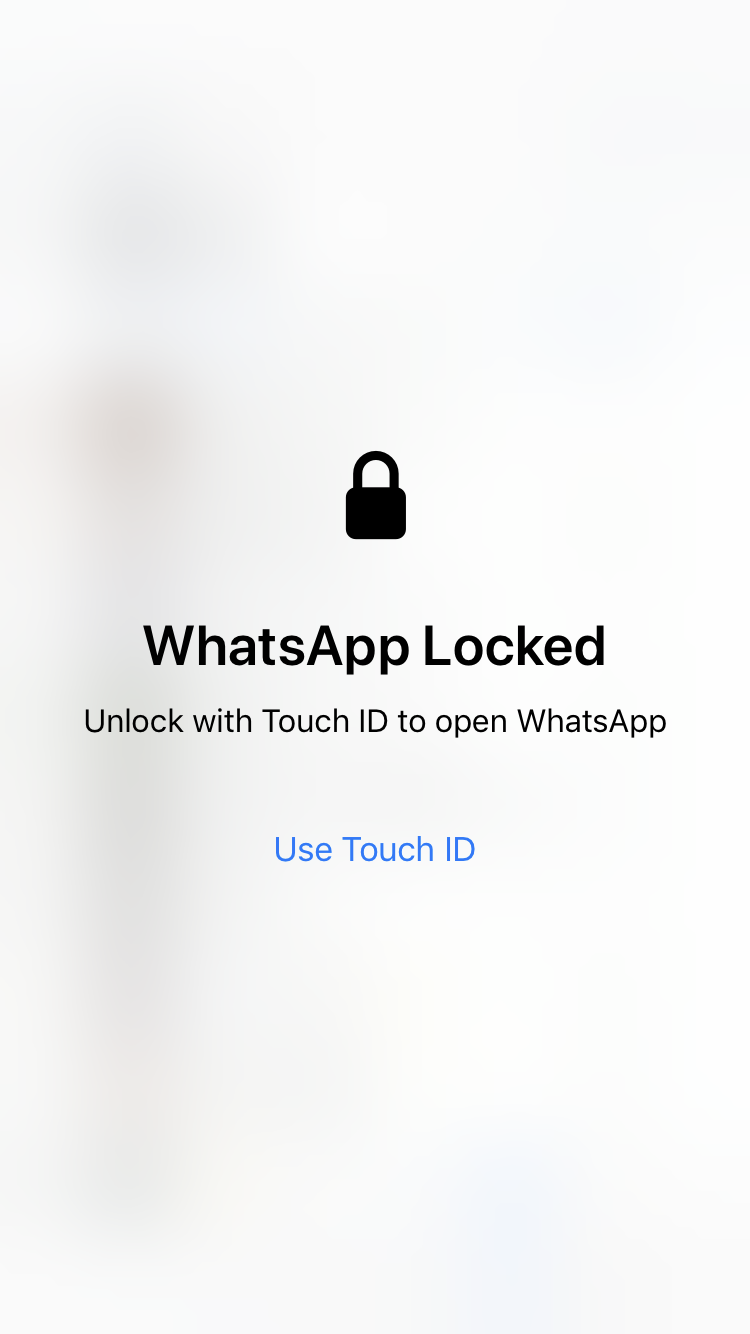
Steps to enable Touch ID for WhatsApp
-
Tap Settings on your WhatsApp app.
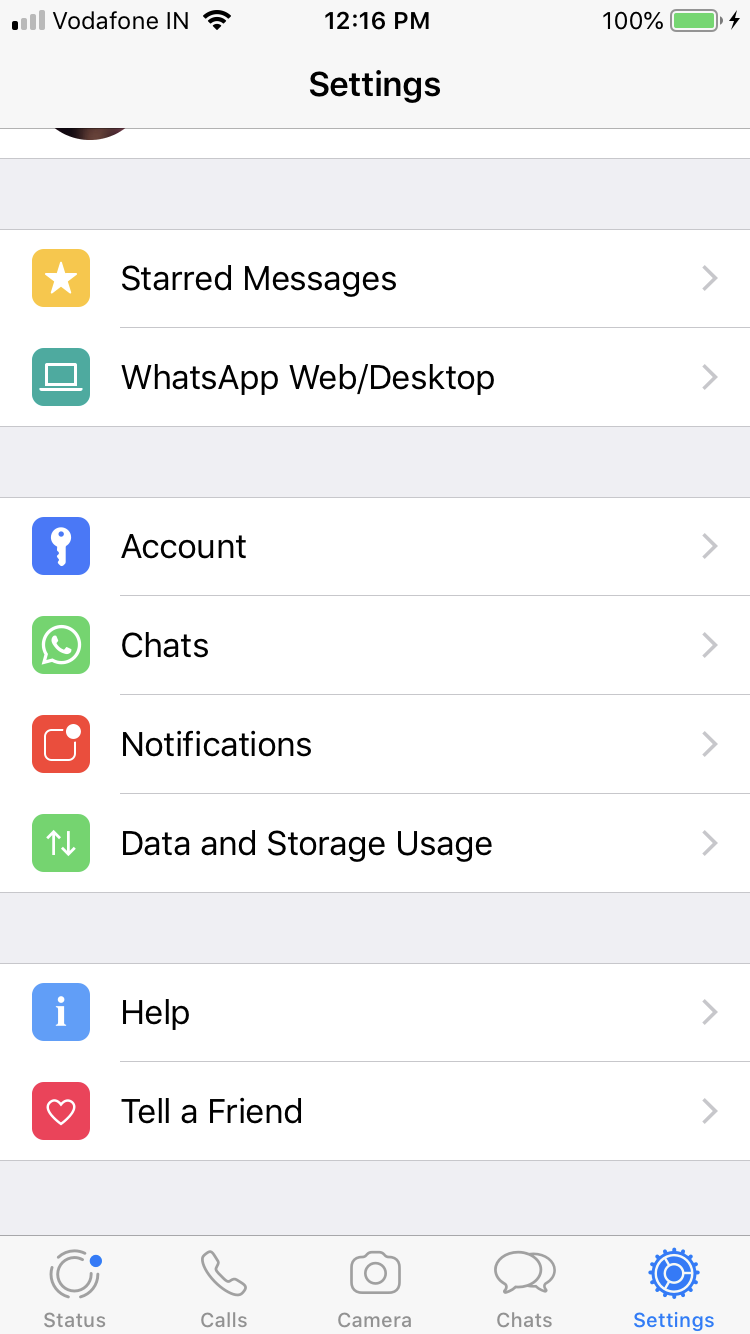
-
In the Setting screen, navigate to Privacy option.
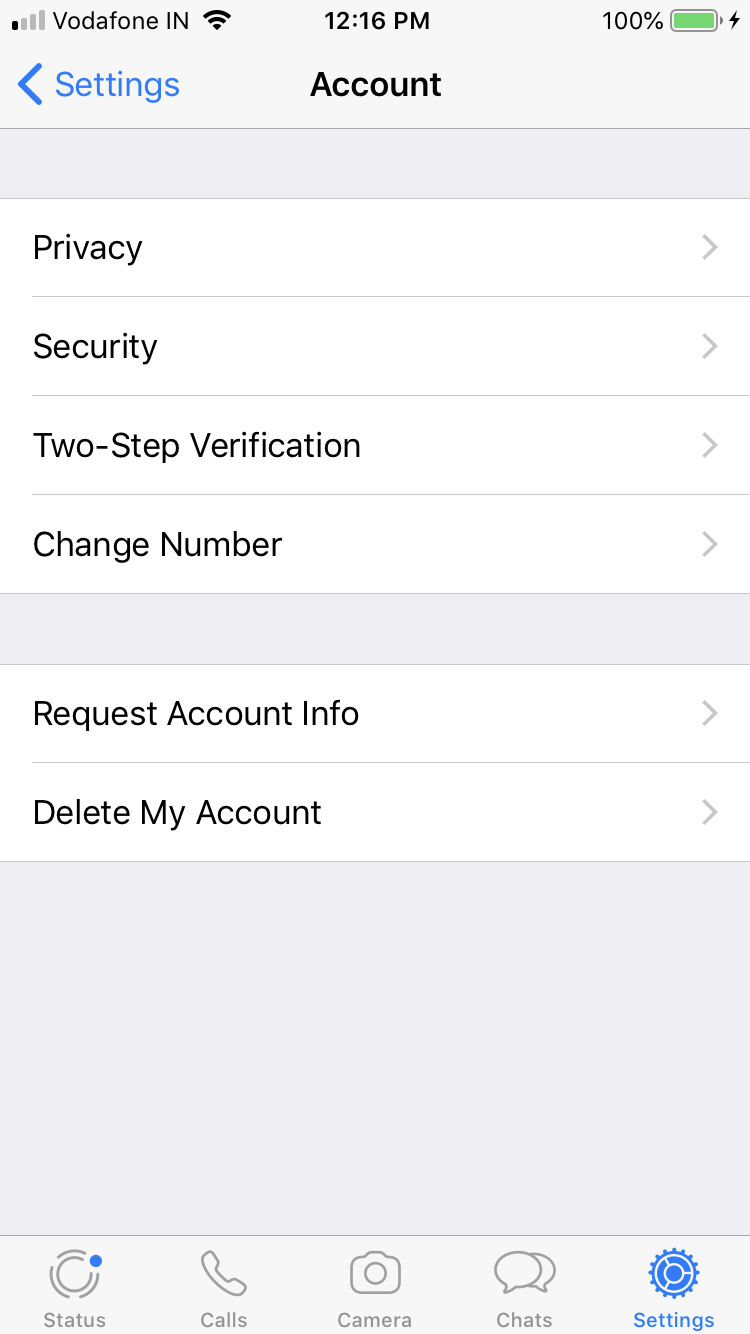
-
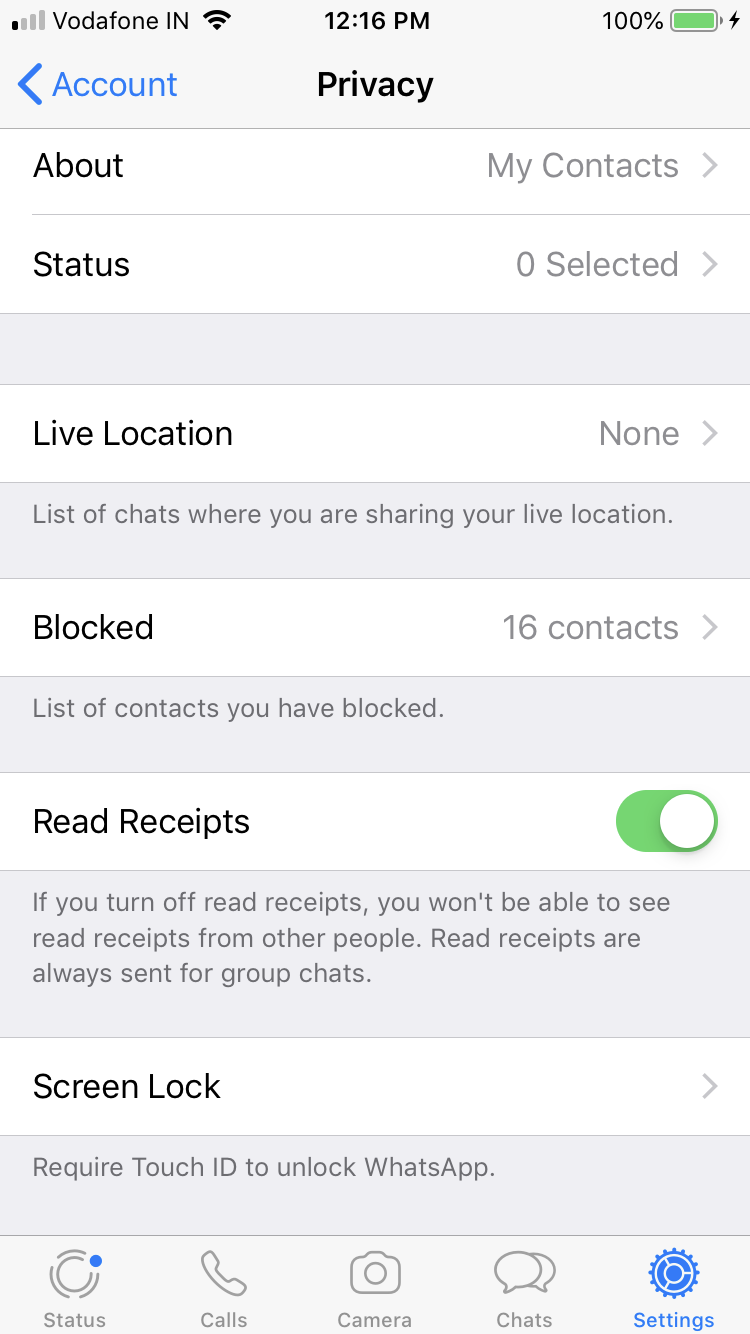
Scrolled down the Privacy screen and select Screen Lock from the list.
-
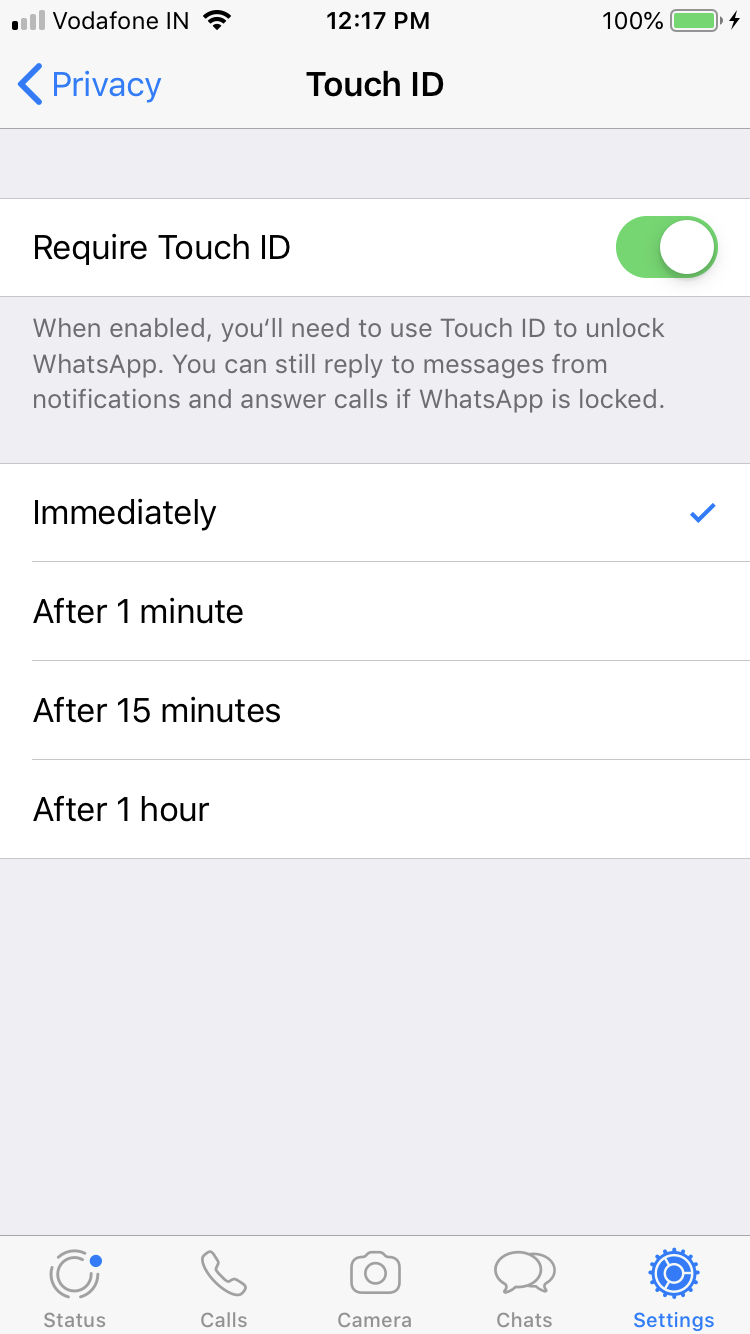
Now this will have the option to enable or disable Touch ID for WhatsApp. This also provides option to set the time of lock to appear whether immediately or after certain time.
Need iOS Help?
I help developers and founders with:
- New apps — idea to App Store
- Bug fixes, debugging & rescue
- App Store rejections
- Code review & mentoring
10+ years iOS • 10+ published apps • 11,000+ students trained